

- Not specified
- subscription
- unlimited
- English
Description
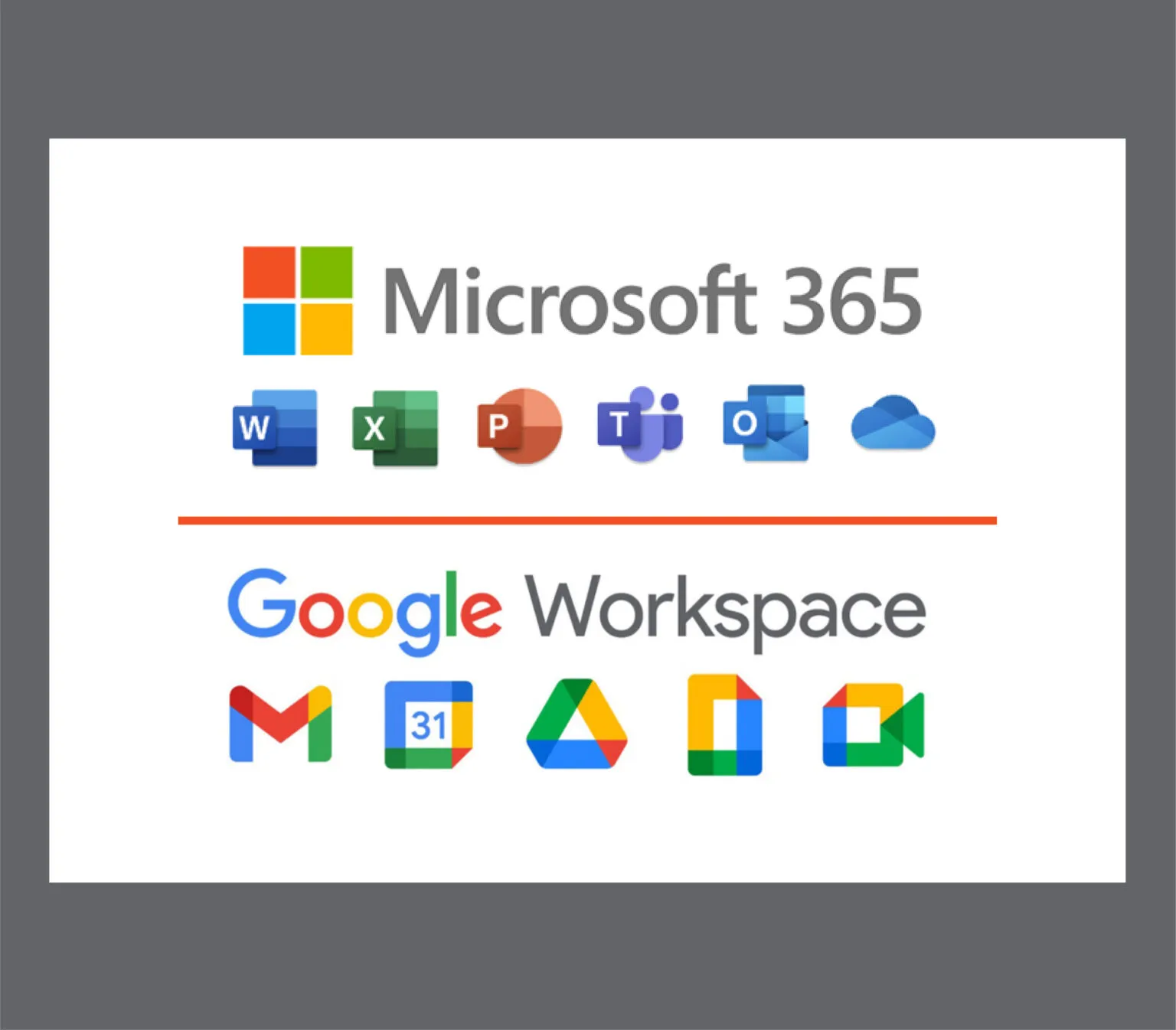
Office 365 or Google Workspace presentation creation can be used to encourage youth to create presentations on youth participation and influencing. These presentations should be created in youth groups and then they should be presented to other youth groups involved in the process, afterwards listeners should provide feedback and questions to each presenting group, to encourage active participation.
For creating these presentations, both PowerPoint (Office 365) and Google Slides (Google Workspace) offer easy-to-use tools for collaborative work. PowerPoint allows youth to design visually rich slides with templates, animations and multimedia, while supporting real-time co-authoring through the cloud. Similarly, Google Slides enables simple, browser-based collaboration where multiple users can edit and comment at the same time, making it especially accessible for group work. Both platforms support sharing, feedback, and presentation modes, making them suitable for interactive learning and group-based activities.
Method & Activity Information.
- Difficulty:
- Session location:
- Test date:
- Duration:
- Costs: subscription
- Materials used:
- Youth participated:
- Registration: required
How useful was this post
Click on a star to rate it!
Average rating 0 / 5. Vote count: 0
No votes so far! Be the first to rate this post.
We are sorry that this post was not useful for you!
Let us improve this post!
Tell us how we can improve this post
Related methods
unlimited
English, Estonian, Finnish, Italian
What Does Europe Do for Me? is a website that presents a wide range of short, [...]
45min
10+
English, Italian
It is a deck of cards. Each of them represents one important word, translated into several [...]

unlimited
English
Open Badges EU is digital badge creation and library platform. A badge is a digital image [...]